
How to Watch on iPhone/iPad/AppleTV/iMac
- May 16, 2023
- 1 min read
This installation guide will provide you step-by-step instructions to install Vixeo TV on your iPhone/iPad using the iSTB application. Note: There may be a one-time fee through the App Store based on your geographical location.

Step 1 - Install iSTB App
1. On your iPhone/iPad/AppleTV/iMac, navigate to the App Store and search for iSTB. Install the app.

2. Open the iSTB app.
Step 2 - Setup
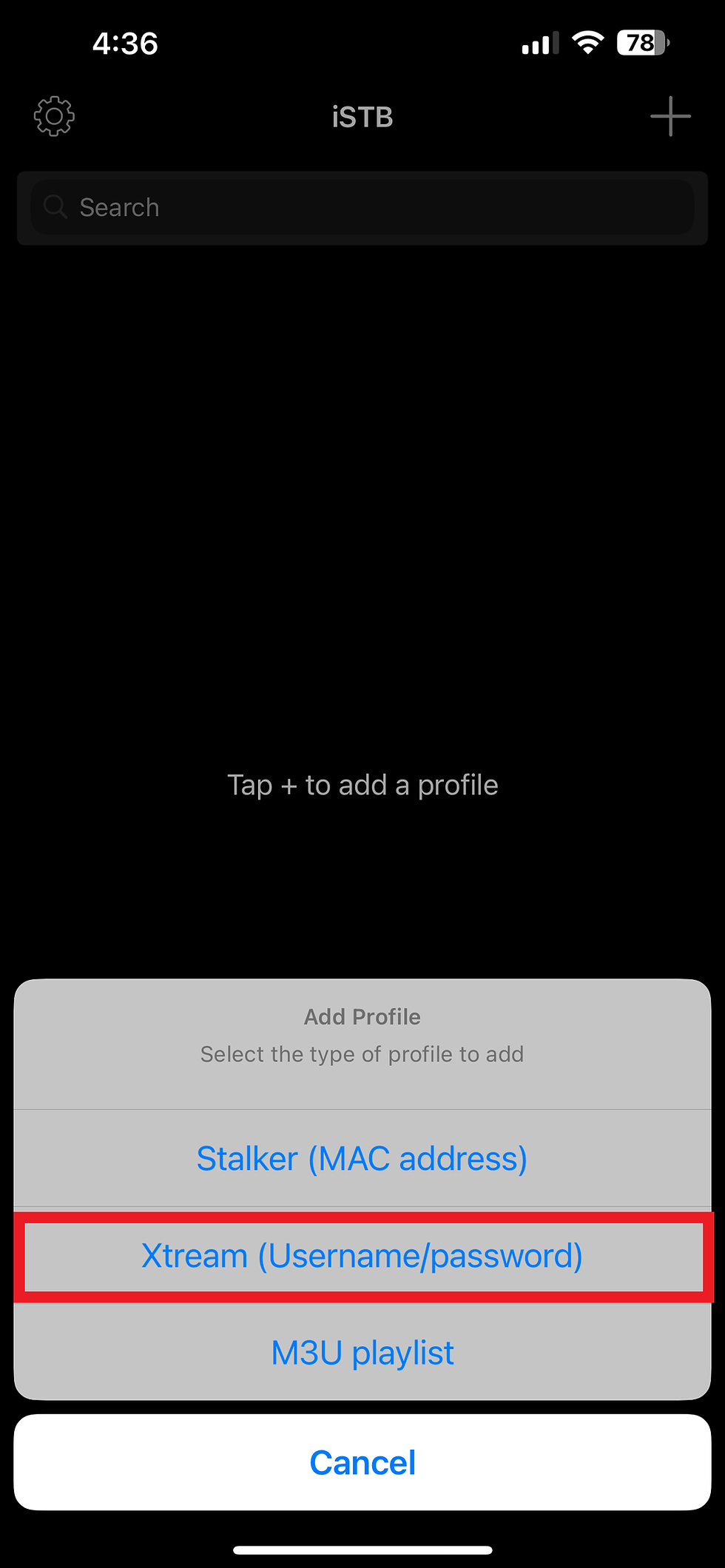
1. Add a profile by clicking the "+" button in the top right corner.

2. Choose type of profile. By default, we will send you Xtream Codes credentials in your email. Click Xtream Codes.
3. Under "Name", enter "VixeoTV". Enter the Portal URL, Username and Password provided to you in your email and click "Add".

4. Congratulations! You are all setup. You can access your Live TV, Movies (VOD), and TV Series (VOD) on the go!
